Our Latest Work
Latest PrintCopyLab projects: business cards, flyers, menus, stickers, document printing, design and other work created for our clients in Torrevieja.
Read articleEssential requirements for print-ready files: dimensions, bleed, safe zones, image resolution, typography, QR codes and file formats.
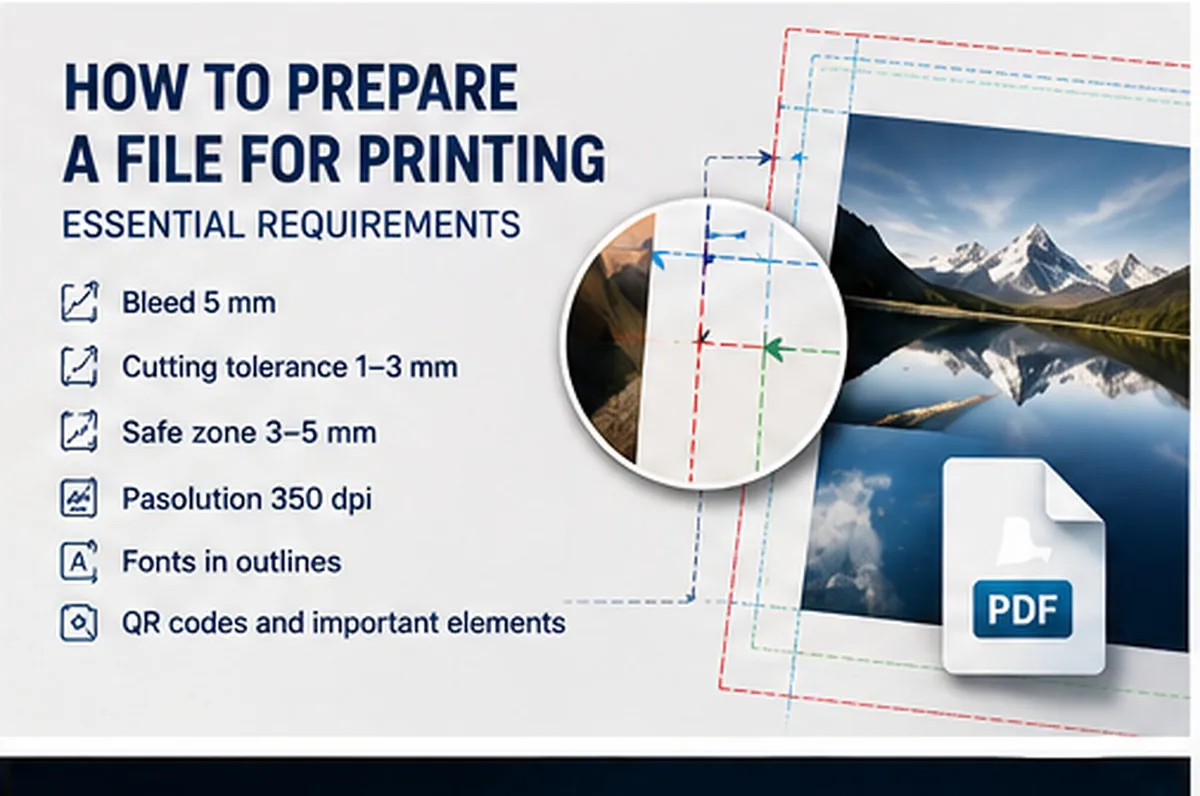
A properly prepared print file is one of the most important conditions for achieving a high-quality result. Even an attractive design can cause problems during production if important elements are positioned too close to the edge, bleed is missing, images have insufficient resolution or text is too small.
Below are the main recommendations from PrintCopyLab for preparing artwork for professional printing.
The artwork should be created according to the actual final size of the printed product.
Backgrounds, photographs, colours and other elements that are intended to reach the edge should extend at least 5 mm beyond the cutting line.
This is important because physical cutting may have a technological tolerance of approximately 1–3 mm.
Important information such as text, logos, phone numbers, addresses and QR codes should therefore also be kept at a safe distance from the edge.
Whenever possible, we recommend avoiding thin borders positioned very close to the edge of the finished product.
A small cutting variation of 1–3 mm is usually much less noticeable on a design with a continuous background.
With a border, however, even a small variation becomes much more visible: the border may appear wider on one side and narrower on the other.
If a border or another important graphic element is positioned too close to the cutting line, part of it may also be trimmed.
It is therefore better either to avoid borders close to the edge or to position them with sufficient distance from the cutting line.
For high-quality printing, we recommend using images with a resolution of approximately 350 dpi at the actual size at which they will be printed, whenever possible.
Small images, screenshots and heavily compressed files may look acceptable on a phone or computer screen but become blurred or pixelated when printed.
Simply increasing the dimensions of a low-quality image does not restore the original detail.
Logos, photographs and other important graphic elements should therefore be checked before printing.
Avoid using extremely small text or very thin fonts.
Particular attention should be paid to:
A design displayed on a large monitor may appear much larger than the final printed product.
Before printing, it is useful to view the design at 100% scale or at its actual physical size to evaluate the real readability of the text.
Important information should not be placed directly next to the cutting line.
Where the design allows it, we recommend keeping important text, logos, phone numbers and QR codes approximately 5 mm away from the finished edge.
This provides additional protection against normal cutting tolerance and usually creates a cleaner visual composition.
You can send your artwork as:
PDF • JPEG/JPG • original editable source file
If the design requires corrections or additional preparation, providing the original editable file can make the process significantly easier.
Whenever possible, send the file in its original quality and avoid unnecessary compression.
For double-sided products, we recommend sending each side as a separate file:
1 file — front side
1 file — back side
This makes it easier to check dimensions, orientation and the placement of individual elements before printing.
A QR code should have sufficient size and good contrast with the background.
Do not position it too close to the cutting line or surround it with elements that may interfere with scanning.
Before production, always check that the QR code opens the correct destination and can be scanned reliably with a phone.
Before sending your artwork, check that:
the dimensions are correct • backgrounds extend beyond the cutting line • important elements are inside the safe zone • images have sufficient resolution • text is readable and not excessively thin • QR codes work • both sides of double-sided products are supplied separately
A correctly prepared file reduces the risk of problems during printing and finishing and helps achieve a cleaner, more professional result.
If you already have a design but are unsure whether it is ready for production, PrintCopyLab can check the main technical parameters and help adapt the artwork for printing.
PrintCopyLab — printing, design and print-ready file preparation in Torrevieja.
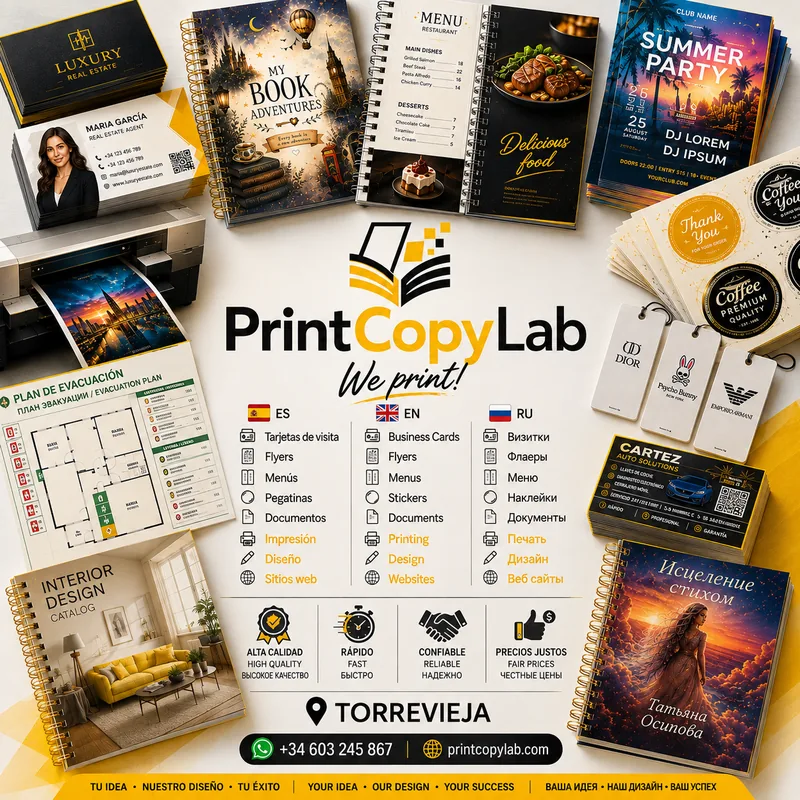
Latest PrintCopyLab projects: business cards, flyers, menus, stickers, document printing, design and other work created for our clients in Torrevieja.
Read article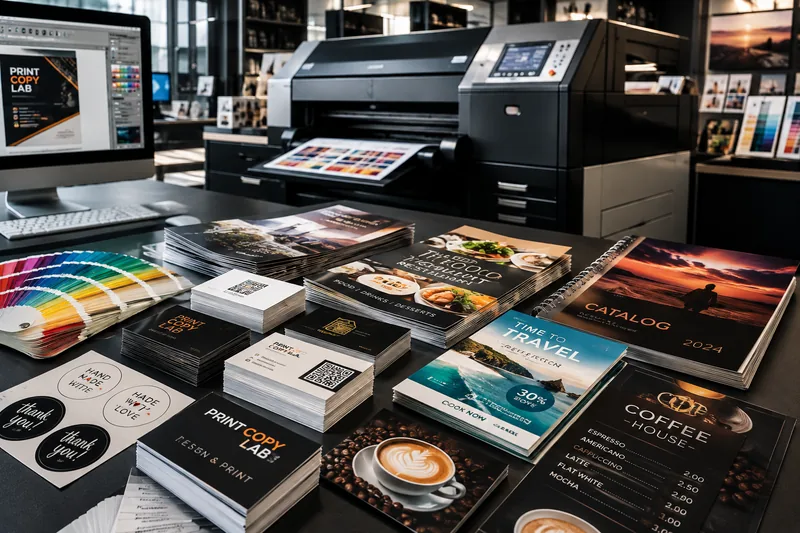
Business cards, flyers, menus, stickers, documents and other printed products in Torrevieja. Small and larger print runs, design and print-ready file preparation.
Read article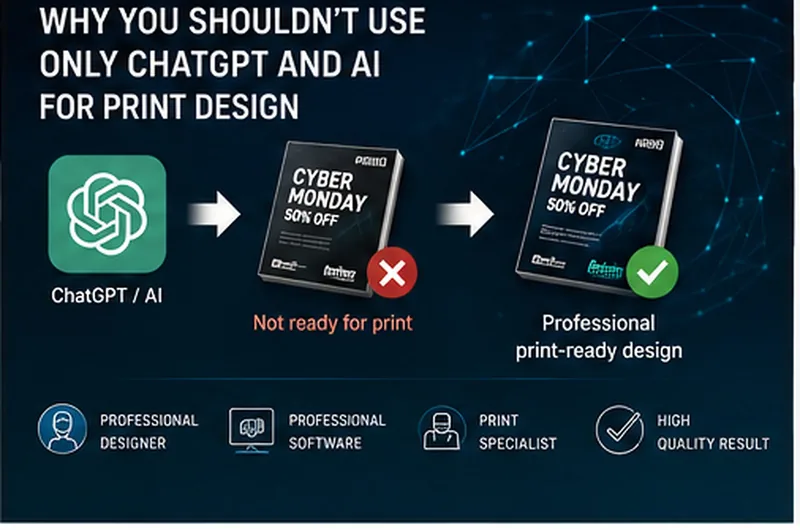
Why an AI-generated design is not always print-ready and why professional software, a designer and a print specialist are still essential for quality printing.
Read articleSend us your files or a description of the order — we will calculate the price, recommend the best materials and get back to you quickly.